Engineering&Simulation Page 27
FARO SCENE 2025.1 Software FARO SCENE software can be used with FARO scanners to create realistic 3D visualizations and perform data registration and sharing. SCENE also offers interactive registration and hybrid registration features, as well as virtual reality views, allowing users to intuitively explore and evaluate scan data. Faro Scene 2024 Faro Scene 2025 1. Seamlessly integrate scan data across the entire FARO software ecosystem. Use FARO As-BuiltTM software to convert scan data into usable CAD/BIM workflows. Use BuildIT Construction software to ensure construction quality control. Use FARO Zone 3D software to reconstruct, analyze, and map forensic scenes. 2. Immersive views: Browse scan data in 2D, 3D, and VR for an immersive experience when viewing details of project point clouds...

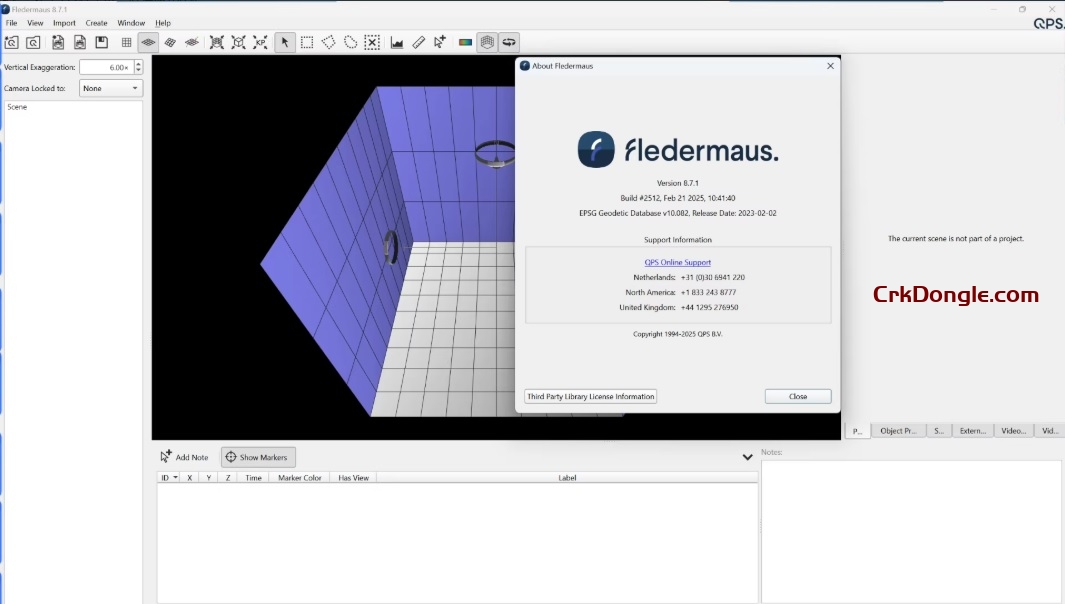
QPS Fledermaus 8.7.2 is an advanced 4D geospatial analysis and visualization software designed for processing and interpreting large datasets, particularly for marine and terrestrial mapping projects. It supports a wide range of data types for direct import, enabling analysis in 3D and 4D (time-inclusive) environments. Key features include: 3D/4D Visualization: Interactive tools for creating 3D fly-throughs, synchronized video playback, and time/space notes for presentations and movie-making. Data Processing: Supports multibeam backscatter, water-column data, LiDAR, and ungridded/gridded data with tools like FM Geocoder Toolbox for seafloor characterization and FM Midwater for water-column analysis. Integration: Seamless two-way link with ESRI ArcGIS for geospatial data workflows, plus support for WMS imagery and EOMAP satellite-derived bathymetry. Engineering Tools: Pipeline route planning, slope analysis, surface...
Applanix POSPac MMS 9.4 is the latest version of Applanix’s industry-leading GNSS-aided inertial software for direct georeferencing of data from sensors on mobile platforms (air, land, marine). It’s designed for high-precision mapping and surveying, integrating GNSS and inertial navigation system (INS) data to deliver accurate position and orientation data. Key features include: IN-Fusion+ Processing Mode: Enhances accuracy by combining GNSS and INS data, even in challenging environments like urban canyons or under vegetation. Trimble CenterPoint RTX Post-Processing: Achieves centimeter-level accuracy without local base stations, using global correction data. SmartBase Technology: Processes trajectories using multiple free base stations (thousands available globally) to overcome baseline restrictions. Tuned LiDAR QC Tools: Optimized for LiDAR data quality control, ensuring precise calibration and output. Multi-Sensor...
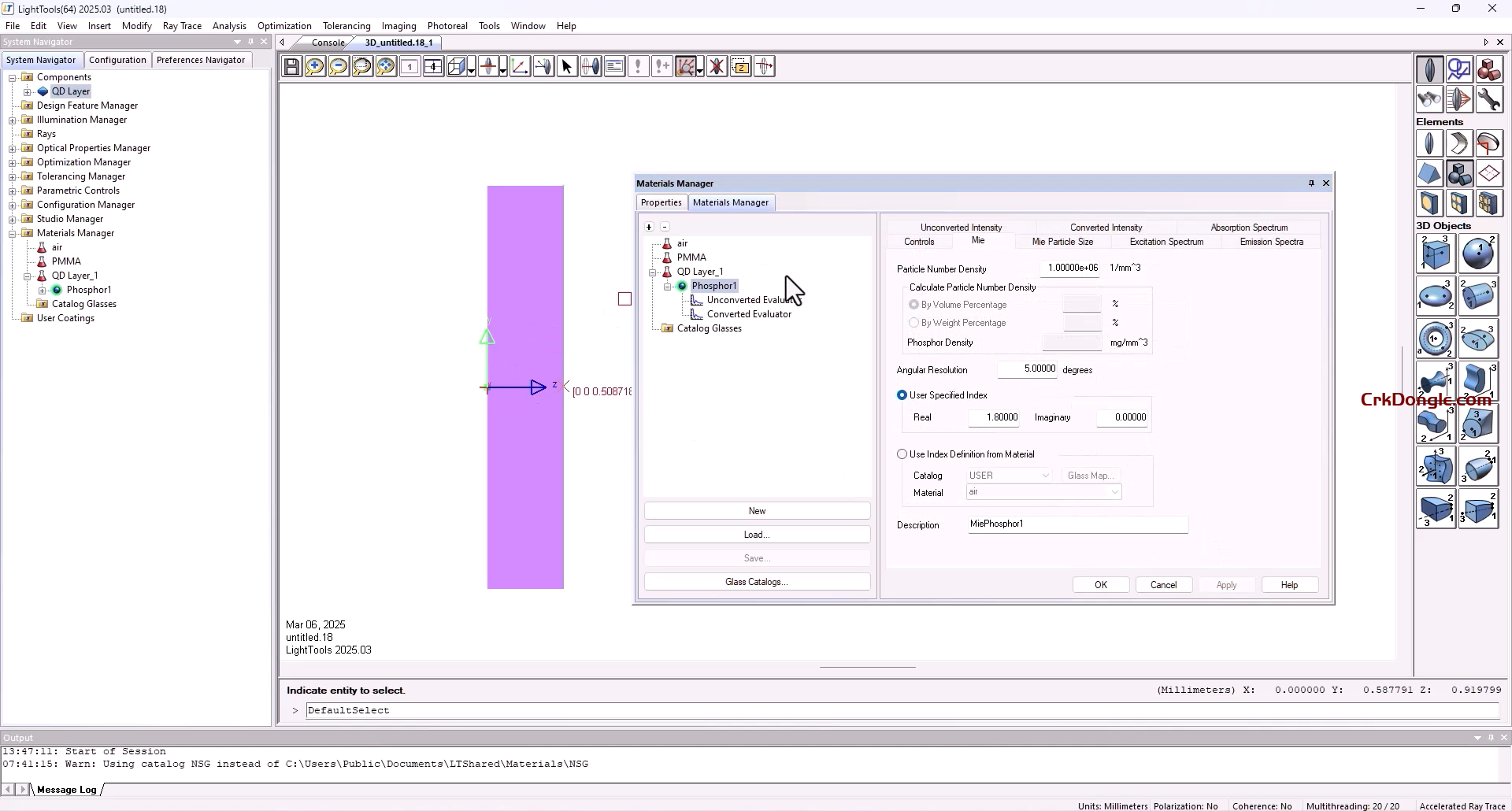
LightTools is a complete solution for creating, optimizing and analyzing illumination optics. It offers sophisticated modeling, ray tracing, color performance, interoperability and more features for various applications. Key Features Sophisticated solid modeling with full optical accuracy State-of-the-art ray tracing speed, with full user control of accuracy and resolution requirements Create a light source from any geometric model, for unlimited flexibility to create custom sources Application-specific utilities to help you quickly build a complete model Extensive source and materials libraries, including LEDs and BSDF measurements Robust data exchange support for mechanical CAD data Interactive, dynamic link with SOLIDWORKS Multiple immersion for modeling the embedded phosphor in an encapsulated LED Full integration with LightTools 3D solid modeling ensures that the optimizer delivers practical, realistic solutions that yield the best possible system performance, in a fraction of the time it would take to accomplish manually Backlight Pattern Optimization for...
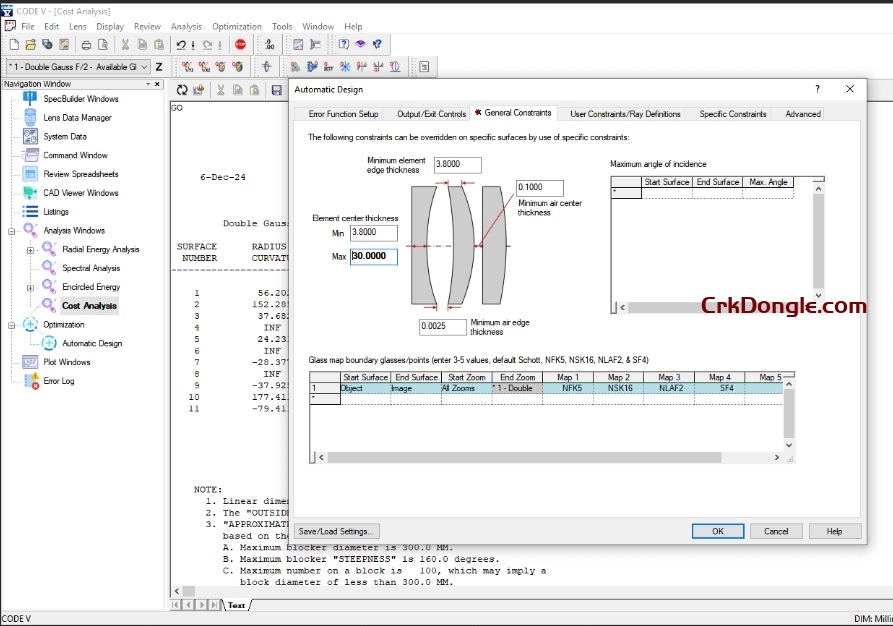
Synopsys CODE V optical design software is a computer aided design software used to model, analyze, optimize, and provide fabrication support for the development of optical systems for diverse applications. Key Features Multi-Environment Coupling (MECo): Achieve unprecedented athermalization of lens systems. Easily set up multiple environments at specific temperature and pressure settings, check system performance throughout the design process, and model lens designs based on any mounting technique (including spacer-based, seat-based, edge-mounted, and combinations). Extensive Libraries: Access built-in libraries of optical system models (including patents), components, and optical glasses. Comprehensive Graphics Capabilities: Create pictures, data plots, shaded displays, and perform 3D visualizations and diffraction-based image simulations. Non-Sequential Surface Modeling: Model unusual optical systems with non-sequential surface modeling. Fast 2D Image...
Design Gateway is a platform for logical electronic circuit design and verification of single and multi-board system-level designs. It supports a true system-level PCB design in which individual circuits can be represented and connected as blocks. The platform enables engineers to manage signal continuity (interconnects) at the system level rather than just at the design level, allowing for an evaluation of board-to-board signal continuity. Zuken CR-8000 Release 2025 brings enhanced simulation workflows, strengthened multi-board 3D co-design, expanded AI-assisted routing, and tighter PLM synchronization for faster development cycles, greater design reliability, and a more connected enterprise design flow. Key areas of improvement include automation, to accelerate and standardize complex layout and verification tasks; embedded intelligence, enabling real-time decision-making during schematic capture, placement, routing, and simulation; and design convergence, integrating system planning, PCB...
CGen PCB – Impedance coupon generator/ CGen Si – Insertion loss coupon generator CGen Coupon Generator reduces the time-consuming process of creating impedance coupons manually to just a few minutes, adding powerful new features that give coupon generation new levels of control and flexibility. CGen PCB Coupon Generator is an automatic impedance coupon generator that allows you to create a controlled impedance test coupon from scratch or import finished stacks from Speedstack PCB and Speedstack Si or structures from the Polar Si8000 and Si9000 field solvers. CGen Si incorporates all the features of CGen PCB and adds insertion loss coupon capability. Please note designs for insertion loss coupons need to be fine tuned to OEM requirements and final adjustment of...
plor Speedstack PCB – PCB stackup / Impedance field solver package plor Speedstack PCB stackup design tool is a packaged combination of the Si8000m field solving impedance calculator and the Speedstack professional layer PCB stackup design system. If you need both impedance calculation and layer stackup/build up documentation the Speedstack PCB offers a considerable saving over purchasing separate licenses. For PCB fabricators, Speedstack PCB interfaces with the industry standard Polar Si8000m PCB Controlled Impedance Field Solver. It includes a link and license for Polar’s Si8000m, using the proven Polar Si8000m multiple dielectric boundary element field solver to provide the impedance data for the stack. Ideal for both rigid and flex-rigid stackups Speedstack PCB allows OEM designers to create accurate and...
Polar Si9000 v24 fast accurate PCB transmission line modeling. With its fast, accurate, frequency-dependent transmission line modeling, the Si9000e Insertion Loss Field Solver is designed to model transmission line loss, impedance at given frequencies and extract full transmission line parameters over a wide range of popular PCB transmission lines (over 100 structures). Employing boundary element method field solving, the Si9000e extracts RLGC matrices and rapidly plots a range of transmission line information for the structure you are designing. Loss is graphed three ways with clear indication of dielectric, copper and total loss and includes Huray / Canonball /Gradient plus legacy Hammerstad, & Groisse methods for roughness modeling: Links with Speedstack as Speedstack Si Si Crosstalk option – Multiline and differential...
REFLEXW can be used for processing, interpreting, and analyzing various seismic, ground-penetrating radar, and ultrasonic data formats. Reflexw provides processing and interpretation tools sd01 for processing all wave data from GPR to seismic reflection and refraction data to ultrasonic data. Reflexw supports various data formats and geometric shapes, and GPS data can be directly merged into the import sequence. It supports numerous display options, such as point or swing mode, or a combination of both, contour line views, zoom and scroll, rotation and flip display, and multi-synchronous plotting. Reflexw is fully interactive, allowing complete control over all processing and interpretation steps. It covers all possibilities for comprehensive wave data analysis.
LedaFlow is a software product from Kongsberg Gruppen designed for simulating multiphase unstable fluids, offering a range of features to enhance users’ analytical and decision-making capabilities during design and operation processes. For example, LedaFlow uses simulated Herschel-Bulkley rheology to model non-Newtonian behavior in cleaning operations. Other features (such as makeup flow) also allow you to calculate thermal margin. With this software, you can visualize 3D animations and animations of fluid movement in pipelines (even those with ring structures, etc.). Users can use the software to create realistic pipelines based on geometric diagrams and various terrain features. Using the profile tool, you can easily create smooth guidance platforms, thereby ultimately accelerating overall computational speed. The program makes the modeling process more...
GasTurb 15 is the latest version of the GasTurb software, a professional tool for gas turbine performance simulation and optimization, widely used in aerospace, power generation, and education. Below is a concise overview of its features, download details, and system requirements. Key Features of GasTurb 15 Improved Workflows: Streamlined, task-oriented interface for faster and more intuitive use, suitable for beginners and advanced users. Electric and Hybrid Propulsion: New capabilities for modeling electric propulsion systems, including permanent magnet synchronous motors, generators, electrically driven propellers, and power electronics (IGBT/MOSFET-based). Supports hybrid-electric system simulations. Parametric Studies: Enables exploration of design spaces by varying parameters (e.g., pressure ratio, burner exit temperature) with results visualized in carpet plots or other customizable charts. Cycle Design and...
LucidShape 2024.9: The Premier Virtual Prototyping Platform for Advanced Optical Design In the competitive and highly regulated fields of automotive lighting and precision illumination, virtual prototyping has become indispensable. LucidShape 2024.9 stands at the forefront as a specialized, industry-standard computer-aided engineering (CAE) software suite dedicated to the design, simulation, and rigorous analysis of complex optical systems. This powerful environment, developed in alignment with industry workflows, empowers optical engineers, lighting designers, and photometric experts to create, validate, and optimize lighting solutions entirely in the digital realm before a single physical prototype is built. From conceptualizing the sharp cutoff of an adaptive driving beam to crafting the uniform glow of a rear tail lamp, LucidShape provides the sophisticated ray-tracing engine and specialized...
Complete Risk and Analysis Toolkit in Excel The DecisionTools Suite is an integrated set of quantitative data analysis programs that remove uncertainty in decision-making through probabilistic risk analysis using Monte Carlo simulation. Create decision trees, optimize resource allocation, identify critical factors, manage uncertainty in project schedules, and more when you install the toolkit into the familiar environment of Microsoft Excel. No matter what industry you’re in, the DecisionTools Suite can help you assess risk, take the guesswork out of big decisions, and plan strategies with confidence. The DecisionTools Suite is an integrated set of programs for risk analysis and decision making under uncertainty. Each component of the DecisionTools Suite integrates seamlessly with Microsoft Excel and performs powerful analyses, but together...
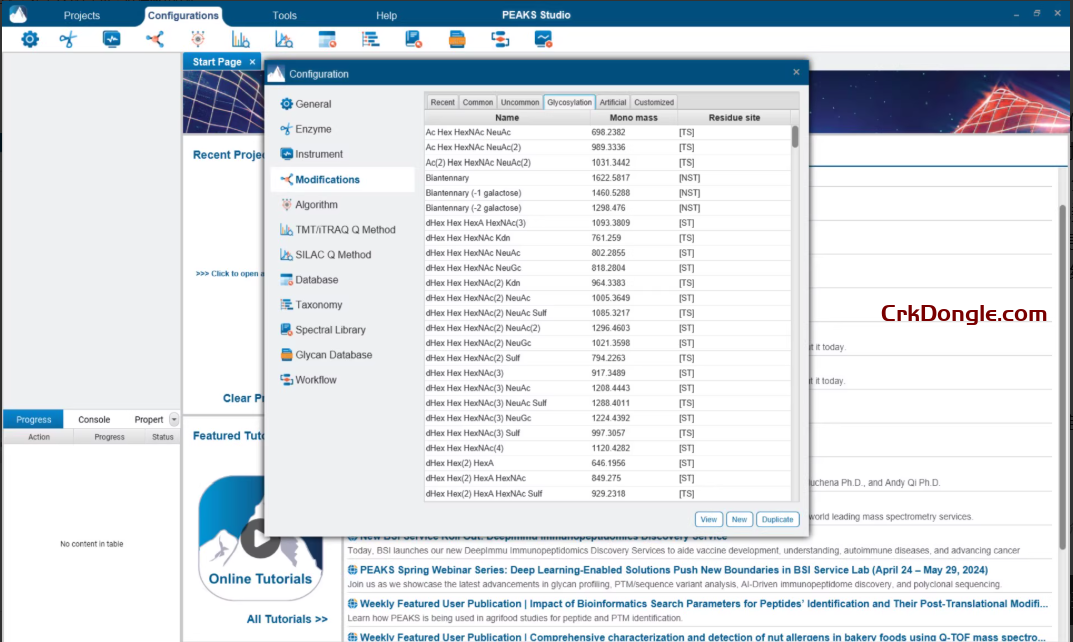
PEAKS Studio 13 DDA and DIA workflows have been completely upgraded, with a more streamlined process setup, a more user-friendly experience, and enhanced analysis algorithms, resulting in significantly improved software performance. PEAKS DIA’s analysis speed has increased several times over, and the new DIA SPIDER feature is far ahead of the competition, enabling the discovery of new peptide segments and sequence variant peptides not included in the database, thereby enabling deeper mining of DIA data. The newly added Feature view on the DIA results page makes DIA results more transparent and facilitates interactive spectrum verification. Peaks Studio 13 New features: PEAKS DIA proteomics Significantly improved CPU and GPU computation speeds Unprecedented high performance, improving sensitivity and accuracy DIA sequence variation...
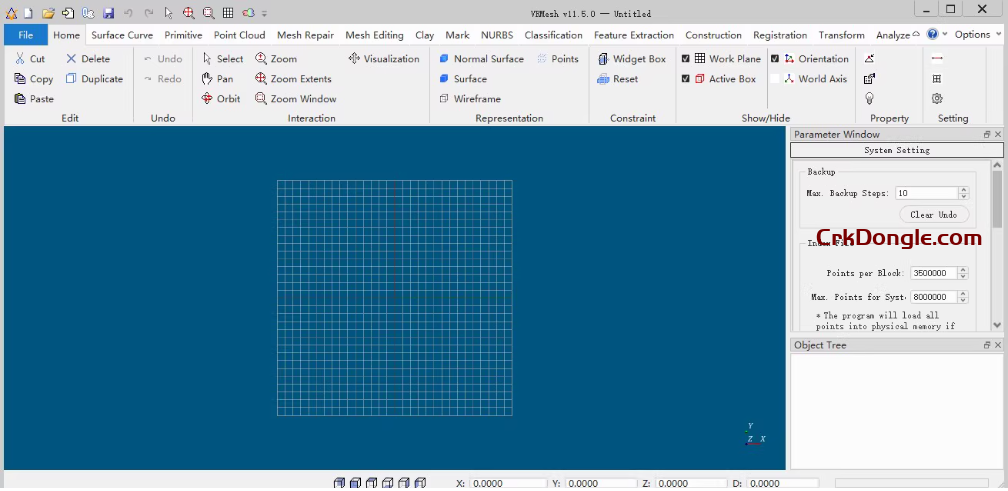
VRMesh is an advanced 3D point cloud and mesh processing software tool. Our innovative technology is designed to provide powerful and easy-to-use solutions for the engineering industry. The entire VRMesh series consists of three packages tailored to different customers. VRMesh Studio is an advanced solution that encompasses a comprehensive workflow from automatic point cloud classification and feature extraction to precise surface mesh generation. It includes all the features of VRMesh. Features and Benefits Automatic point cloud classification and feature extraction Accurate surface mesh generation Comprehensive mesh repair/editing tools NURBS creation Vertex color texture generation Automatic registration Accurate inspection and measurement